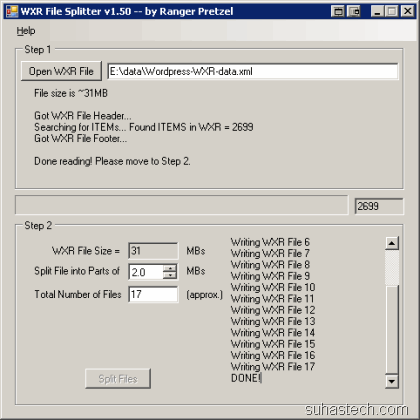
[WordPress] Import WXR files larger than 2 MB
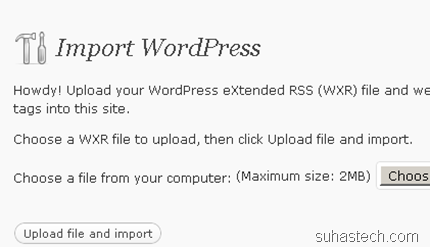
You are staring at this screen with a 100 MB file to import. It’s not the “WordPress Importer” problem. So, it’s time to take a backdoor.
There are a couple of ways you can import that file.
1) You can increase the “upload_max_filesize” to a really large number. You can do it in the php.ini file. To edit that, you will most probably need administrator access.
 or
or
2) You can split the file into different parts and import it one by one.